
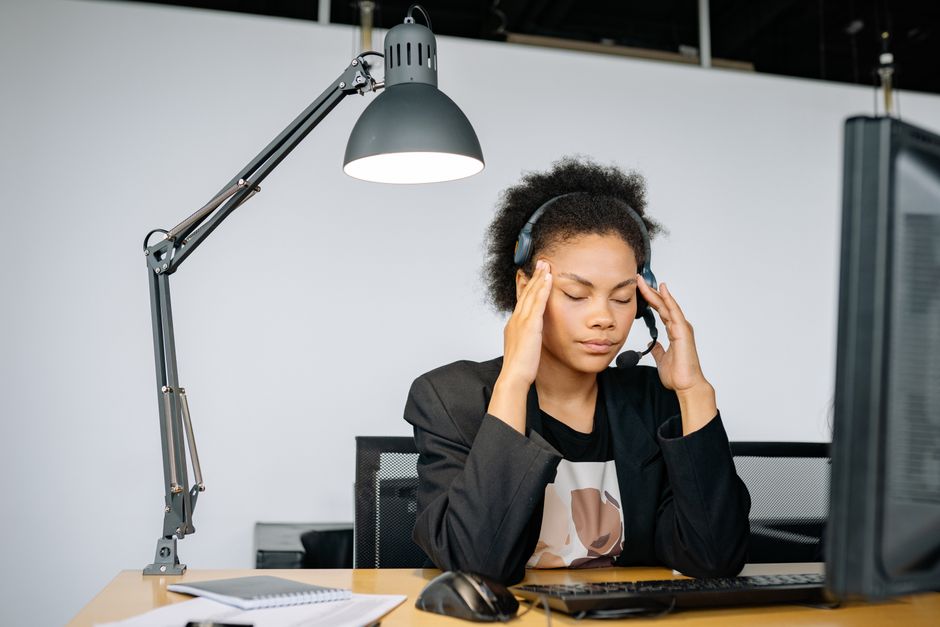
If you spend hours in front of a screen and end the day with a pounding headache, you are not imagining it. The fix is not to stop using computers. The fix is to address the specific triggers: eye strain, poor posture, and screen glare. Research shows that adjusting your workstation setup, using the 20-20-20 rule, and correcting your monitor position can eliminate most screen-related headaches within a few days.
What Actually Causes Headaches From Computer Screens?
The medical term for this is computer vision syndrome. The American Optometric Association describes it as a group of eye and vision problems from prolonged digital device use. Headaches are the most common symptom.
The main cause is accommodative stress. Your eyes have to work harder to focus on pixels than on printed text. Pixels are less sharp and have lower contrast. Your eye muscles contract and relax constantly trying to keep the image clear. After hours of this, those muscles fatigue. That fatigue sends pain signals to your brain.
Blue light gets blamed a lot in popular articles. The evidence does not support it as a primary cause of headaches. A 2017 review in the journal Ophthalmic and Physiological Optics found no strong evidence that blue-blocking glasses reduce eye strain or headaches. The real problem is the constant refocusing effort, not the color of the light.
Dry eyes also contribute. When you stare at a screen, you blink about half as often as normal. Dry eyes feel scratchy and tired. That discomfort can trigger a tension headache. Research published in JAMA Ophthalmology found that dry eye symptoms are nearly twice as common in heavy computer users.
How To Stop Headaches From Computer Screens With Your Setup
Your monitor position is the single most impactful change you can make. Most people place their screen too high or too far away. Both force your neck and eyes into unnatural positions.
The correct position is arm’s length away. The top of the monitor should be at or just below eye level. You should look slightly downward at the center of the screen. This position reduces strain on your neck and lets your eyes rest in their natural downward gaze.
Lighting matters more than most people realize. Overhead fluorescent lights create glare on screens. The glare forces your eyes to work harder to see text. Position your monitor perpendicular to windows. Use blinds to control natural light. Reduce the brightness of your screen so it matches the brightness of the room. If your screen looks like a light source, it is too bright.
Research from the Mayo Clinic suggests that using a matte screen filter can reduce glare significantly. These filters are inexpensive and attach to the front of your monitor. They cut reflections from overhead lights and windows.
Does The 20-20-20 Rule Actually Work?
The 20-20-20 rule is the most widely recommended exercise for screen headaches. Every 20 minutes, look at something 20 feet away for 20 seconds. The idea is to relax your eye muscles by giving them a distant target to focus on.
Does it work? Yes, for the specific problem it targets. A 2013 study in the Journal of the Nepal Medical Association found that computer users who followed the 20-20-20 rule had significantly fewer eye strain symptoms including headaches. The effect was strongest in people who already had symptoms.
The rule works because it forces your eyes to change focal distance. Your ciliary muscles relax when you look far away. That brief relaxation prevents the fatigue buildup that causes headaches.
But the rule has a practical problem. Most people forget to do it. Setting a timer on your phone or using software like EyeLeo or Time Out can help. Some monitors have built-in reminders. The key is consistency. A 20-second break every 20 minutes is more effective than one 5-minute break every two hours.





What Does Research Show About Blue Light Glasses?
Blue light glasses are a multi-million dollar industry. The claim is that they block harmful blue light from screens and prevent headaches. The evidence does not support this claim.
A 2021 systematic review published in the Cochrane Database of Systematic Reviews analyzed data from 17 randomized controlled trials. The review found no meaningful difference in eye strain or headache symptoms between people wearing blue-blocking glasses and those wearing clear lenses. The researchers concluded that blue light glasses are unlikely to provide any benefit for computer-related eye strain.
Why the disconnect? Blue light from screens is not intense enough to cause damage or strain. The sun emits far more blue light than any computer screen. Your body uses blue light to regulate your sleep cycle. Blocking it during the day may actually disrupt your circadian rhythm.
There is one exception. Evening screen use can interfere with sleep. Poor sleep causes tension headaches. If you use screens late at night, blue light glasses might help you sleep better. That indirect effect could reduce headaches. But for daytime screen use, skip the blue blockers and fix your setup instead.
What About Posture And Neck Tension?
Headaches from screens are not always about your eyes. Neck and shoulder tension from poor posture can trigger what doctors call cervicogenic headaches. These headaches start in the neck and radiate to the front of the head.
When you hunch forward to look at a screen, your head moves forward relative to your shoulders. Your neck muscles have to work harder to hold your head up. The human head weighs about 10 to 12 pounds. For every inch your head moves forward, the load on your neck muscles roughly doubles. That tension builds over hours and eventually causes a headache.
The fix is to align your ears over your shoulders. Your chair should support your lower back. Your feet should be flat on the floor. Your elbows should rest at a 90-degree angle when typing. Your wrists should be straight, not bent up or down.
Some people report relief from using a standing desk intermittently. The evidence is mixed. A 2018 study in Ergonomics found that standing desks reduced neck and shoulder discomfort in some workers but had no effect on headache frequency. The key insight is that changing positions regularly matters more than whether you sit or stand. Staying in one position for hours is the problem, not the position itself.
Practical Steps To Try Today
Here is a summary of evidence-based changes you can make starting now. Do not try all of them at once. Pick two or three and see if your headaches improve in a week.
- Adjust your monitor height so the top of the screen is at eye level.
- Reduce screen brightness until it matches the room light.
- Use the 20-20-20 rule with a timer on your phone.
- Position your monitor perpendicular to windows to reduce glare.
- Check your posture by aligning your ears over your shoulders.
- Blink deliberately every few seconds to keep your eyes moist.
- Use artificial tears if your eyes feel dry during screen use.
If these changes do not help within two weeks, see an eye doctor. You may need glasses for intermediate distance. Many people in their 40s and 50s develop presbyopia, which makes focusing on screens harder. A pair of computer glasses with the right prescription can eliminate headaches completely.
One more thing to consider. If your headaches are accompanied by vision changes, nausea, or sensitivity to light, see a doctor. Migraines can be triggered by screen use but require different treatment than simple eye strain headaches. Do not assume all screen-related headaches are the same.
Frequently Asked Questions
Can screen headaches go away on their own?
They usually do not go away without changing how you use your screen. The underlying causes like poor posture or improper monitor position will continue to trigger headaches unless you address them directly.
How long does it take for screen headaches to stop after fixing setup?
Most people notice improvement within three to five days of making changes. Full relief may take up to two weeks as your eye muscles and neck muscles recover from chronic strain.
Do blue light glasses help with computer headaches?
Research does not support blue light glasses for preventing screen headaches. A 2021 Cochrane review found no meaningful difference between blue-blocking lenses and clear lenses for eye strain or headache symptoms.
What is the best screen brightness for preventing headaches?
Match your screen brightness to the ambient light in the room. A good test is to open a white webpage. If the white looks like a light source, turn the brightness down. If it looks dull, turn it up slightly.
