
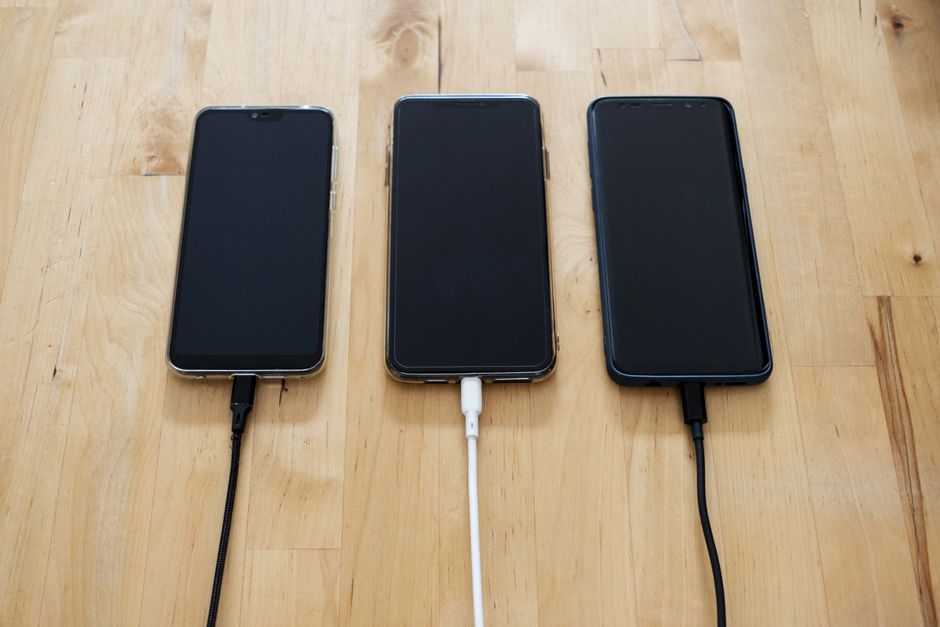
If your phone only charges when the cable sits at a specific angle, the problem is almost always a loose or damaged connection point. This usually means the charging port on your phone has worn out, the cable’s connector is bent or broken, or lint and debris inside the port are blocking a full connection. The phone is not “choosy” — it is simply failing to make a complete electrical circuit unless the parts align just right.
Why Does the Charging Cable Need to Be at a Specific Angle?
The charging process depends on physical contact. The metal pins inside your phone’s charging port must touch the matching metal contacts on the cable’s connector. When that contact is weak, electricity cannot flow properly.
Over time, the small metal tab inside the port that holds the cable in place can bend or lose its spring tension. When that happens, the cable slides out slightly. Tilting the cable pushes the pins back into contact, which is why the phone starts charging again. The same thing happens when the cable connector itself is bent or worn — the pins only align at one angle.
This is not a software issue. Your phone’s battery and charging software are working normally. The failure is purely mechanical.
Is It the Charging Port or the Cable?
Before you replace anything, figure out which part is actually failing. This saves time and money.
Try a different cable first. If a new cable charges the phone normally at any angle, the original cable was the problem. Cables wear out faster than ports because they get bent, twisted, and pulled constantly. The internal wires inside a cable can break while the outer rubber casing still looks fine.
If a new cable does not fix the issue, the problem is in the phone’s port. Try the same cable on another device. If it charges that device fine, the port on your phone is the weak point.
One more test: gently clean the port before buying anything. A flashlight often reveals a packed layer of pocket lint at the bottom of the port. That lint blocks the cable from seating fully.
How to Clean a Phone Charging Port Safely
Lint and dust are the most common causes of a loose charging connection. The fix is simple, but you have to do it carefully.
Turn the phone off. Use a wooden toothpick, a plastic dental pick, or a soft anti-static brush. Do not use a metal pin, paperclip, or needle — metal can scratch the internal contacts and cause permanent damage.
Gently scrape along the bottom edge of the port. Move the tool side to side to loosen the debris. Shine a light in and check your progress. Most people are surprised by how much lint comes out. After cleaning, try charging the phone again. Often the cable will click into place and charge normally.
Never blow into the port with your mouth. Moisture from your breath can cause corrosion. Compressed air is fine, but only in short bursts and at a low angle.





When the Charging Port Is Damaged
If cleaning does not help and a new cable still needs to be held at an angle, the port itself is likely damaged. The metal retention clip inside the port may be bent, or the solder joints connecting the port to the phone’s motherboard may have cracked.
This is common after a drop or repeated strain from pulling the cable out by the cord. The port can also wear out from normal use over several years. Some phones have ports that are soldered directly to the main board, which makes repair more involved.
In this situation, a professional repair is the reliable option. A technician can replace the charging port assembly. The cost varies by phone model, but it is typically far less than replacing the whole phone. Wireless charging is also a temporary workaround if your phone supports it, but it does not fix the underlying port damage.
Can You Fix a Bent Charging Cable?
Sometimes the cable is the problem. A bent connector or a frayed wire near the plug can cause intermittent charging. You can try bending the connector back gently with pliers, but this rarely lasts. The internal shielding and wires are already stressed.
The safer choice is to replace the cable. Charging cables are not expensive, and using a damaged one can be a fire risk. A frayed cable exposes wires that can short-circuit. That can damage your phone or, in rare cases, start a fire.
When buying a replacement, look for a cable that is certified by the phone manufacturer or meets the relevant USB standard. Cheap uncertified cables may not charge reliably and can deliver inconsistent power.
Why Does My Phone Charge Only in One Direction?
If your phone only charges when the USB-C or Lightning connector is flipped one way, the problem is usually a bent pin inside the connector or the port. USB-C is designed to work in either orientation. If it only works one way, something is physically damaged.
A bent pin inside the cable’s connector is common after the cable has been yanked or stepped on. Inspect the end of the cable closely. The small metal pins should all look uniform. If one is pushed down or out of line, the cable needs replacing.
If the cable looks fine, the pins inside the phone’s port may be damaged. This requires professional inspection. Do not try to bend pins inside the phone yourself — you can cause more damage.
Is Wireless Charging a Good Alternative?
Wireless charging can be a practical workaround if your port is failing. It uses electromagnetic induction to transfer power through the back of the phone, so no physical connection is needed.
This is not a repair. It avoids the problem, but the port remains damaged. You still need the port for data transfer and for charging when a wireless pad is not available.
Some people use wireless charging while deciding whether to repair the phone. That is a reasonable approach. Just remember that wireless charging is generally slower than wired charging, and it generates more heat. Heat can reduce battery lifespan over time.
How to Prevent This Problem in the Future
Prevention is mostly about handling. Do not pull the cable by the cord — grip the connector itself. Do not use the phone while it is plugged in and resting on your chest or lap, as movement puts strain on the port. Avoid stuffing the phone into a tight pocket with the cable attached.
Keep the port clean by checking it every few months. A quick visual inspection and gentle cleaning can prevent lint from packing down into a hard layer.
Consider using a magnetic charging cable. These cables have a tip that stays in the port, and the cable attaches magnetically. This design reduces wear on the port because there is no repeated plugging and unplugging. The tip stays in place, and the magnetic connection is the part that breaks away under strain.
When to See a Professional
If you have cleaned the port, tried multiple cables, and the phone still only charges at a certain angle, take it to a repair shop. A technician can diagnose whether the port needs replacement or if the issue is on the motherboard.
Do not attempt to open the phone yourself unless you have experience with electronics repair. Modern phones are tightly sealed, and internal components are delicate. A mistake can turn a minor repair into a costly one.
If your phone is under warranty, contact the manufacturer first. Do not attempt any repair yourself if the warranty is still active — opening the phone can void it.
Frequently Asked Questions
Why does my phone only charge when the cord is held up?
Holding the cord up changes the angle of the connector inside the port, which restores contact between the metal pins. This usually means the port’s retention clip is worn or the cable connector is bent.
Can I fix a loose charging port myself?
You can clean the port and try a new cable, but you should not try to bend or repair the internal metal parts yourself. Port replacement requires professional tools and skill.
Is it safe to keep using a phone that only charges at an angle?
It is generally safe in the short term, but the connection may be unstable and can stop working entirely. If the cable is frayed or damaged, stop using it because of the fire risk.
How much does it cost to replace a charging port?
The cost varies by phone model and repair shop, but it is usually much less than buying a new phone. Get a quote from a reputable repair service before agreeing to any work.
