
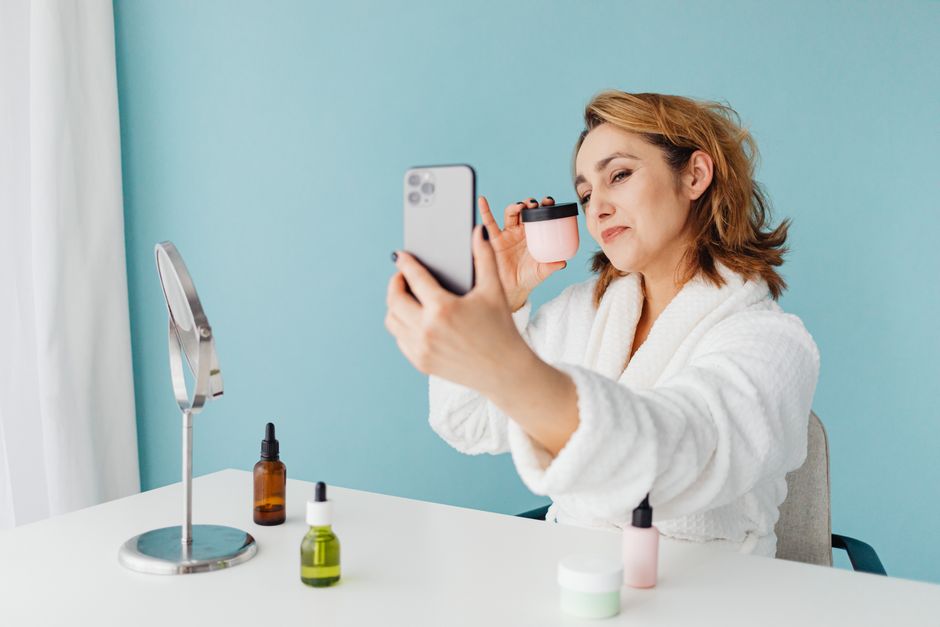
Take a selfie with your phone’s front camera and the image you see on screen is flipped. Your part sits on the wrong side. A mole that lives on your right cheek shows up on the left. The photo feels slightly off, and you are not imagining it. Front-facing cameras show a mirrored preview by default, and that mirroring is a software setting, not a law of physics. You can turn it off on most phones in a few taps.
Why Are Selfies Mirrored And How To Control It?
The front camera mirrors your image because of a deliberate design choice, not a technical requirement. When you raise your phone to take a selfie, you are looking at yourself the way you look in a bathroom mirror. Your brain has spent a lifetime learning that face. Reversing it on screen would feel wrong while you frame the shot.
So phone makers flip the live preview horizontally. You move your hand right, the screen image moves right, and your brain stays oriented. That part is genuinely useful. The confusion comes later, when the saved photo keeps that mirror image and you compare it to how other people actually see you.
The fix depends on your phone. On many iPhone models, go to Settings, then Camera, and look for a toggle called Mirror Front Camera. When it is on, the photo saves flipped. Turn it off and the saved image matches reality. Many Android phones handle this differently. Some Samsung devices offer a “Save selfies as previewed” option in the camera settings. Google Pixel phones have historically saved the unmirrored version by default, which is why some Pixel users complain their selfies look wrong to them.
If your phone has no such setting, you have other options. You can flip any photo afterward in your phone’s built-in editor or in most free editing apps. You can also use the rear camera instead, which never mirrors anything. The trade-off is that you cannot see yourself while framing the shot.
Why Does My Selfie Look Different From The Mirror?
Your mirror image and your unmirrored selfie are not the same picture, even though both show your real face. A mirror flips you left to right. A standard photo does not. That difference is small in theory and surprisingly large in practice.
Here is the part most people never think about. You have seen your mirrored face thousands of times and your true face far less often. So the mirrored version feels correct and the accurate version feels wrong. This is sometimes called the mere-exposure effect, a well-documented tendency for people to prefer things they have seen more often. Your friends and family have the opposite experience. They see your true face every day, so the mirrored selfie is the one that looks strange to them.
There is a second factor too. Front cameras on most phones use a wider lens than the rear camera. When you hold the phone close to your face, that wide lens exaggerates whatever is nearest to it. Your nose gets larger. Your ears and jawline recede. The effect is a lens characteristic, not a flaw in your face. Step back and zoom slightly, and the distortion drops noticeably.
Is The Mirror Image Or The Real Image More Accurate?
The unmirrored image is more accurate. That is the version other people see when they look at you in person. A mirror, a mirrored selfie, and a video call with mirroring enabled all show a horizontally reversed version of your face.
This matters more than it sounds. Facial asymmetry is normal and nearly universal. Almost no one has a perfectly symmetrical face, and small differences between the left and right sides are typical. When your face is mirrored, those asymmetries flip sides. If your left eyebrow sits slightly higher than your right, the mirror image puts the higher brow on the right. You may never notice this in a mirror because you are used to it. In a mirrored selfie, the flipped asymmetry can read as “something is off” without you being able to name it.
None of this means your face is wrong. It means the mirrored version is a reversed copy. If you want a photo that matches how you actually appear to others, you want the unmirrored one.





How Do You Turn Off Selfie Mirroring On Your Phone?
The setting exists on most modern phones, but the name and location vary by manufacturer and software version. Menu paths also shift with updates, so treat the following as a general guide rather than a fixed map.
- iPhone: Settings, then Camera, then the Mirror Front Camera toggle. Turn it off to save unmirrored photos.
- Samsung Galaxy: Open the Camera app, tap the settings gear, and look for an option about saving selfies as previewed. Turning it off saves the unmirrored version.
- Google Pixel: Pixel phones have generally saved the unmirrored image by default, so there may be nothing to change.
- Other Android phones: Check the camera app settings first. If nothing is there, the option may not exist on your model.
If your phone does not offer the setting, editing afterward works fine. Most phones include a flip or mirror tool in the photo editor. Free editing apps do the same thing. It takes a few seconds per photo.
One caution: some social apps apply their own mirroring when you shoot inside the app rather than through the phone’s camera. If a selfie still looks flipped after you changed your phone settings, try taking the photo with the phone’s camera app first, then uploading it.
Why Do Some Selfies Look So Different From What You See?
Mirroring is only one reason a selfie can look unlike the face you know. Several effects stack on top of each other, and together they can make a photo feel like a stranger.
Lens distortion is the biggest one. A front camera held at arm’s length puts your face very close to a wide-angle lens, and close wide-angle shots stretch whatever is nearest. This is the same reason a group photo taken up close makes the people at the edges look stretched. Moving the phone farther away and using a mild zoom reduces the effect.
Lighting plays a role too. A mirror shows you in motion under whatever light is in the room. A photo freezes one instant under one lighting condition. Harsh overhead light creates shadows under the eyes and nose that you never see in a mirror, because in the mirror you are constantly moving and the shadows shift.
Then there is the stillness problem. In a mirror you see yourself in motion, mid-expression, relaxed. In a selfie you often hold a fixed pose and a fixed expression, which is not how your face normally behaves. People frequently report that photos of themselves look worse than mirrors, and researchers have studied this. Some findings suggest people rate their mirrored images more favorably than their true images, while strangers tend to prefer the true, unmirrored version. The gap appears to be about familiarity, not objective attractiveness.
Should You Mirror Your Selfies Or Not?
There is no correct answer here. It is a preference, and both choices are reasonable.
Keep the mirror if you like how it looks. Many people find the mirrored version more flattering simply because it matches the face they know. There is nothing dishonest about that. It is the same face, reversed.
Choose the unmirrored version if you want the photo to match how others see you. This matters for professional headshots, dating profiles, and any situation where the photo is meant to represent you accurately to people who have not met you.
A practical middle path: take the photo unmirrored, then flip it in your editor and compare the two side by side. Most people have a clear preference once they see both. Whichever you pick, knowing why the image is flipped removes the vague sense that something is wrong with your face. Nothing is wrong. The camera was simply showing you a mirror.
Frequently Asked Questions
Why are selfies mirrored?
Front cameras mirror the preview so the screen behaves like a mirror while you frame the shot, which feels natural to your brain. Many phones then save that mirrored version by default, which is why the final photo looks flipped.
How do I stop my phone from mirroring selfies?
On iPhone, go to Settings, then Camera, and turn off Mirror Front Camera. On many Android phones, look for a save-selfies-as-previewed option in the camera settings, though the exact name varies by model.
Is the mirrored or unmirrored selfie what people actually see?
The unmirrored version is what other people see when they look at you in person. A mirrored selfie is a horizontally reversed copy, the same as your reflection in a bathroom mirror.
Why does my selfie look worse than my mirror reflection?
You are far more used to your mirrored face, so the accurate unmirrored photo feels unfamiliar and often less flattering. Wide-angle front lenses held close to the face also stretch your features, which adds to the difference.
