
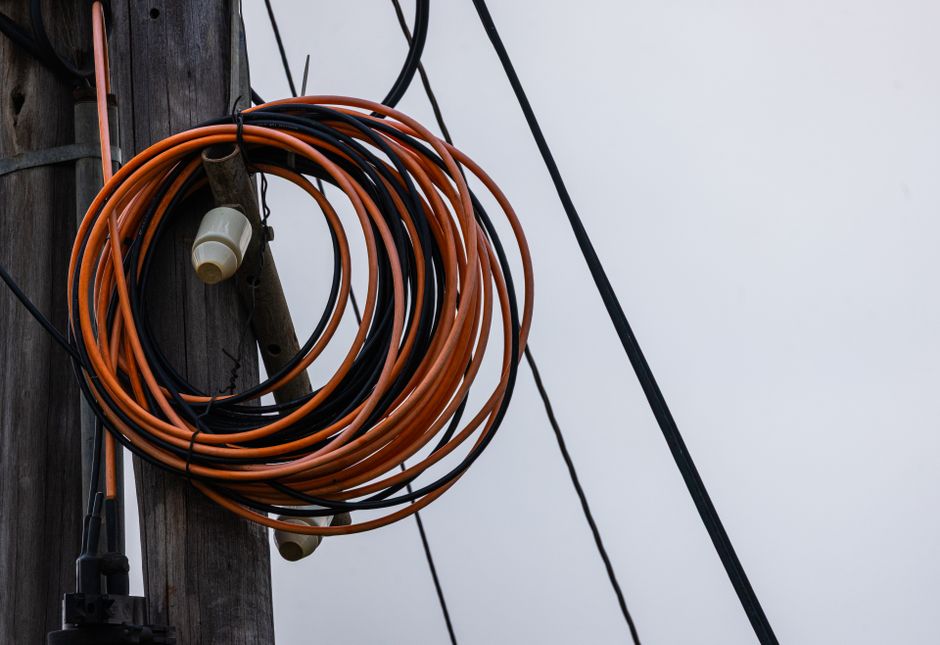
Coaxial cable is the round, screw-on cable that carries TV and internet signals into millions of American homes. To use it, you connect one end to a wall outlet or signal source and the other end to your TV, cable box, or modem — the connectors simply push on and twist to lock. The same physical cable can carry television and internet at the same time, because each service travels on its own frequency. A device called a splitter divides the signal so both can run at once.
What Is Coaxial Cable and What Does It Actually Carry?
Coaxial cable is a copper wire wrapped in layers of insulation, metal shielding, and a protective outer jacket. That layered design is not cosmetic. It keeps outside electrical interference from corrupting the signal traveling down the center.
The center conductor carries the signal. The metal braid or foil shield around it acts as a ground and blocks noise. The whole assembly is built to move radio-frequency energy with as little loss as possible.
What travels through it depends on your provider. A coaxial line can carry:
- Cable television channels
- Cable internet (the same service that feeds a cable modem)
- Phone service on some bundled plans
- Satellite TV signals, from the dish to the receiver
Each service occupies a different frequency band on the same wire. TV channels, internet data, and phone signals can share one cable without colliding because they are tuned to different frequencies. This is why a single coax line to your home can support all three at once.
One clarification worth knowing: coax is not the same as the thin round cable that once fed old indoor antennas. Modern coax is a specific 75-ohm standard, and that impedance matters for how well the signal transfers.
How Do You Connect Coaxial Cable to a TV?
You connect coax to a TV by attaching the cable’s F-type connector to the threaded “ANT IN” or “CABLE IN” port on the back of the set. The connector pushes on and then the outer ring twists clockwise until snug.
From there, what you do next depends on how you get your channels.
If you have a cable box or satellite receiver
The coax runs from the wall to the box, not directly to the TV. The box then sends the picture to your TV through an HDMI cable or, on older setups, composite cables. The coax carries the incoming signal; the box does the tuning.
If you have no box
On a newer TV, the coax goes straight from the wall to the TV’s cable port. You then run a channel scan in the TV’s settings menu. The TV tunes the channels itself. This works for unencrypted cable channels and for over-the-air signals if an antenna is on the other end.
Do not overtighten the connector. Hand-tight is enough. A cross-threaded or forced connection can damage the port on the TV or the cable end.
How Do You Use Coaxial Cable for Internet?
You use coax for internet by connecting the cable to a cable modem, which converts the signal into the Ethernet or Wi-Fi connection your devices use. The coax screws onto the modem’s threaded port, usually labeled “CABLE” or “COAX.”
The modem does the translating. Coaxial cable carries an analog-style radio-frequency signal. Your computer and phone speak in digital data over Ethernet and Wi-Fi. The modem bridges those two worlds.
A typical home internet setup looks like this:
- Coax runs from the wall outlet to the modem
- The modem connects to a router with an Ethernet cable
- The router sends Wi-Fi and wired internet to your devices
Many providers now supply a single gateway device that combines modem and router in one box. The coax connection step is identical.
After connecting, the modem usually needs to be activated. You either call your provider or use their app to register the device. Until it is activated, the modem will not pass internet traffic even if every cable is seated correctly.




How Do You Split Coax Between TV and Internet?
You split coax using a coaxial splitter, a small metal component with one input and two or more outputs. The input connects to the incoming line from the wall or provider, and the outputs run to your TV and your modem.
Here is the detail most people get wrong. Every time you split a signal, each output gets weaker. A two-way splitter sends roughly half the signal strength to each leg, and the loss adds up with each additional split. That is why providers often run a dedicated line to the modem rather than sharing one.
If your internet is slow or your TV channels pixelate after adding a splitter, the split is a common suspect. A few practical points:
- Use a splitter rated for the frequencies your services use, not a cheap generic one
- Keep the number of splits to a minimum
- Use the right splitter type — a “power passing” or specific-port splitter may be needed for some setups
- Check that every unused output is capped with a terminator, which prevents signal reflection
If you are not sure which port feeds the modem, your provider can tell you. Many recommend a direct line to the modem with no splitter at all, and splitting only the TV legs.
What Causes Coax Signal Problems and How Do You Fix Them?
Most coax problems come down to three things: a loose or corroded connection, a damaged cable, or too many splits. The signal itself is usually fine until something in the path degrades it.
Common symptoms and their likely causes:
- Pixelated or frozen TV picture — often a weak or interrupted signal, frequently at a connector
- Slow or dropping internet — could be the modem, the splitter, or the line itself
- Some channels missing — a tuning or signal-strength issue rather than a dead cable
Start simple. Check that every connector is hand-tight. Look for bent center pins or frayed shielding. Swap in a known-good cable to test. If the problem follows the cable, replace it.
If the issue persists, the problem may be outside your home — in the drop line from the street or the provider’s equipment. That is not something you can fix, and it is worth a service call.
Do not assume a new, more expensive coax cable will fix a signal problem. Cable quality matters, but a loose connector or a faulty splitter is a far more common culprit than the cable itself.
Does Coax Still Matter in an Era of Streaming and Fiber?
Coax still carries cable TV and cable internet in a large share of US homes, but its role is shifting. Fiber and fixed wireless are expanding, and many households now stream over internet rather than tuning cable channels.
That said, coax is not obsolete. Cable internet providers continue to push higher speeds over coaxial lines, and the technology has been upgraded over the years to carry more data than it once could. For many homes, the coax already in the walls remains the practical connection.
If you are building or renovating and want future flexibility, running both coax and Ethernet to key rooms is a reasonable approach. It costs little during construction and saves trouble later. But for most people already in a home, the existing coax works fine for the services they have.
What Tools and Connectors Do You Need?
You need very little to work with coax: the cable itself, the right connectors, and a way to attach them. For most home users, the cable comes pre-terminated with connectors already installed.
If you are cutting and terminating your own cable, you need:
- Coax cable rated for your use (RG-6 is the common standard for TV and internet)
- F-type connectors that match the cable
- A coax stripper to expose the layers cleanly
- A crimp or compression tool to secure the connector
Compression connectors are generally preferred over crimp-on types because they hold up better and are less prone to the loose connections that cause signal problems. A poor termination is one of the most common causes of a weak signal.
For a simple hookup — wall to TV, or wall to modem — no tools are needed at all. The connectors are already on the cable. You just connect and tighten.
Frequently Asked Questions
Can I use the same coaxial cable for both TV and internet?
Yes, one coax line can carry both TV and internet at the same time because each service uses a different frequency. You typically need a splitter to send the signal to both your TV and your modem.
Do I need a cable box to use coaxial cable with my TV?
Not always. A newer TV can tune unencrypted channels directly from the coax after you run a channel scan. A cable box or receiver is needed for encrypted channels and most premium services.
Why does my internet slow down after I add a splitter?
Every split weakens the signal to each output, and a weaker signal can reduce internet performance or cause dropouts. Using fewer splits and a quality splitter usually helps.
Is RG-6 the right coaxial cable for TV and internet?
RG-6 is the common standard for both cable TV and cable internet in US homes. RG-59 is older and thinner, and it is generally not recommended for internet use.
