
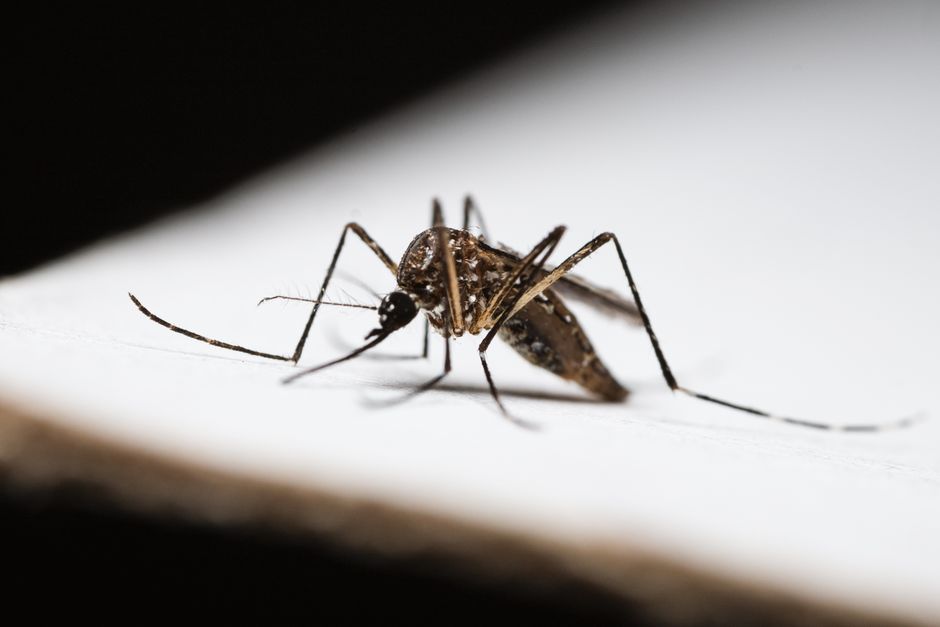
Motion cameras are designed to catch movement, but they can’t tell the difference between a person and a moth. A spider crawling across the lens, a beetle walking over the sensor, or a flying insect passing close enough will all trigger a false alert. The fix is not about making the camera less sensitive. It is about changing the physical environment around the camera and adjusting specific settings so insects no longer cross the detection zone.
Why Do Bugs Set Off Motion Cameras?
Most motion cameras use passive infrared (PIR) sensors. These sensors detect changes in heat. Warm-blooded animals, including humans, emit infrared radiation. That radiation is what the camera notices.
Bugs are cold-blooded, so they do not emit much heat on their own. The problem is usually distance and lens flare. When a bug crawls directly over the lens or the sensor housing, it blocks the infrared light path. The camera reads that as a rapid change. Even a small spider web drifting in the wind can reflect heat and cause a trigger.
Another common cause is the camera’s own infrared LEDs. At night, these lights turn on to illuminate the scene. Flying insects are attracted to the light. They circle close to the lens, and their bodies reflect the IR light back into the sensor. The camera registers a bright moving object and records an event.
Understanding this mechanism matters. The bug is not setting off the sensor by body heat. It is setting it off by physically blocking or reflecting light. That means the solution is about blocking access and reducing light attraction, not about turning down sensitivity so far that real motion is missed.
How To Stop Bugs From Triggering Motion Cameras
The most effective way to stop bugs from triggering motion cameras is to create a physical barrier between the insects and the camera housing. You also need to reduce the number of insects that gather near the camera in the first place.
Start with the camera housing. Many outdoor cameras have a small gap between the lens and the mounting bracket. Spiders love these gaps. They build webs right across the sensor window. Use a small piece of clear plastic or a camera-specific silicone cover to seal off the opening. Do not cover the lens itself. Just block the edges where insects crawl.
Next, treat the area around the camera. A light coating of petroleum jelly on the mounting arm and the back of the housing makes it difficult for ants and spiders to walk across. Do not apply petroleum jelly to the lens or the sensor window. It will smear and ruin image quality.
Consider installing a bug zapper or an insect-repelling light at least 10 feet away from the camera. This draws insects away from the detection zone. The camera should not be near any standing water, compost, or bright garden lights. These attract insects in large numbers.
Finally, adjust the camera’s motion sensitivity settings. Lower the sensitivity by 20 to 30 percent. Set the detection zone to exclude the area directly below the camera. Bugs rarely fly at the same height as the lens, so narrowing the zone to chest height and above reduces false triggers without missing people.
Best Camera Settings To Reduce False Alarms
Most modern security cameras have a setting called “human detection” or “smart alerts.” Turn this on. It uses software to distinguish between a person and other moving objects. It is not perfect, but it filters out most small animal and insect triggers.
If your camera does not have human detection, rely on the activity zone feature. Draw the active zone so it starts a few feet away from the camera. This ignores anything moving within that dead zone, which is where most insects crawl.
Motion delay is another useful setting. Set the delay to 5 seconds. This tells the camera to wait for continuous motion for 5 seconds before recording. A bug crawling across the lens moves in short bursts. It rarely sustains motion for that long. A person walking stays in motion, so they still trigger the camera.
Turn off the infrared LEDs if you do not need night vision. Bugs are drawn to the light. If your camera is in an area with a streetlight or porch light, you may not need the built-in IR at all. Some cameras allow you to disable IR while keeping the sensor active. This alone can cut insect triggers by half.





Do Natural Bug Repellents Work On Cameras?
Some people spray insect repellent directly on or near the camera. This is not recommended. Many repellents contain oils that leave a film on the lens. That film causes blurry images and can damage the camera’s weatherproof coating.
If you want to use a repellent, apply it to the mounting bracket and the surrounding wall, not the camera body. Peppermint oil, vinegar, and citrus sprays deter spiders and ants when applied to surfaces. They need to be reapplied every few days, especially after rain.
A better long-term solution is to place insect repellent granules or pouches near the camera base. These are sold for outdoor use and contain natural oils like cedar or lemongrass. They do not harm the camera and they last several weeks.
One thing to avoid is ultrasonic pest repellers. There is no reliable evidence that these devices deter insects. Some studies show they have no effect on spiders or ants. Save your money and focus on physical barriers instead.
When Bugs Trigger Cameras At Night
Nighttime is when most bug triggers happen. The camera’s IR light is on, and flying insects swarm toward it. The reflection off their wings creates a bright blur that the motion sensor reads as movement.
The most practical fix is to move the camera away from light sources. Do not mount a camera directly above a porch light or a garden light. The insects gather at the light, and the camera sits right in the middle of the swarm.
If you cannot move the camera, install a separate external IR illuminator. This puts the infrared light source away from the camera lens. The bugs fly toward the illuminator, not the camera. The camera still sees the scene clearly, but the insects are no longer in the detection path.
Another option is to switch the camera to color night vision mode if it has one. This uses ambient light instead of IR LEDs. It produces a color image at night and does not attract insects the same way. The tradeoff is that color night vision requires some ambient light, such as from a streetlamp or a moonlit sky.
Seasonal Patterns And Maintenance
Bug problems are seasonal. In spring and early summer, spider activity increases. In late summer, flying insects like moths and beetles are at their peak. Expect more false triggers during these periods.
Inspect your cameras once a month. Wipe the lens housing with a dry microfiber cloth. Remove any spider webs from the corners of the mounting bracket. Clear out any debris that has collected in the gap between the camera and the wall.
If you live in an area with heavy insect activity, consider a camera with a built-in “insect shield.” Some newer outdoor cameras have a small hood or visor over the sensor. This blocks insects from crawling directly over the detection window. If your camera does not have this, you can add a small piece of weatherproof tape or a plastic shield to create the same effect.
Frequently Asked Questions
Does turning down motion sensitivity stop bug triggers?
Lowering sensitivity reduces false triggers, but it can also miss real motion like a person walking. Combine a moderate sensitivity reduction with a physical barrier for the best results.
Will a bug zapper near the camera help?
Yes, placing a bug zapper 10 feet or more away from the camera draws insects away from the detection zone. Do not place it right next to the camera, or the zapper light will attract bugs onto the lens.
Can I spray insect repellent on my camera?
No. Spray repellents leave an oily film that blurs the lens and can damage weatherproof coatings. Apply repellent to the mounting bracket or surrounding wall instead.
Why does my camera trigger at night even without bugs?
At night, the camera’s infrared light reflects off spider webs, dust, and rain droplets. These small reflections can look like motion. Cleaning the lens housing and sealing gaps usually fixes this.
